
Cropper16:9 to 9:16iOS & Android Export in 4KAI EnhanceCaptions On Device No timelineYour finger is the edit4.8 ★ App Store Cropper16:9 to 9:16iOS & Android Export in 4KAI EnhanceCaptions On Device No timelineYour finger is the edit4.8 ★ App Store

Vertical Video Editor  ·  iOS & Android

No time.
No timeline.

Your finger is the edit. Reframe 16:9 footage to vertical in seconds — no keyframes, no panels, no editor.

4.8★App Store
4KExport
Free3 exports/mo

Real screenshots  ·  iPhone

1 — Crop 16:9 to 9:16
Crop
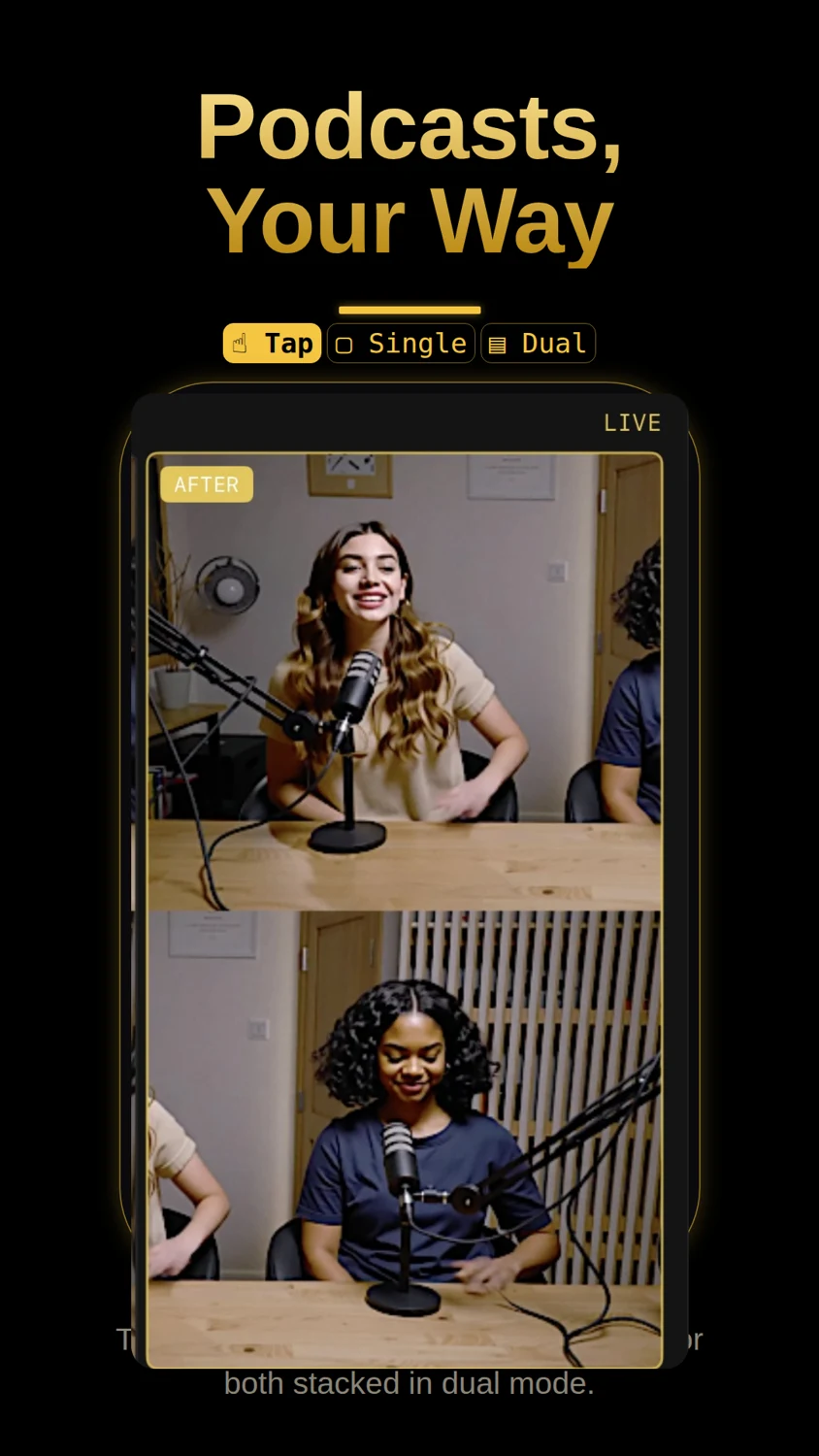
2 — Podcasts, your way
Podcasts
3 — Choose your output
Output
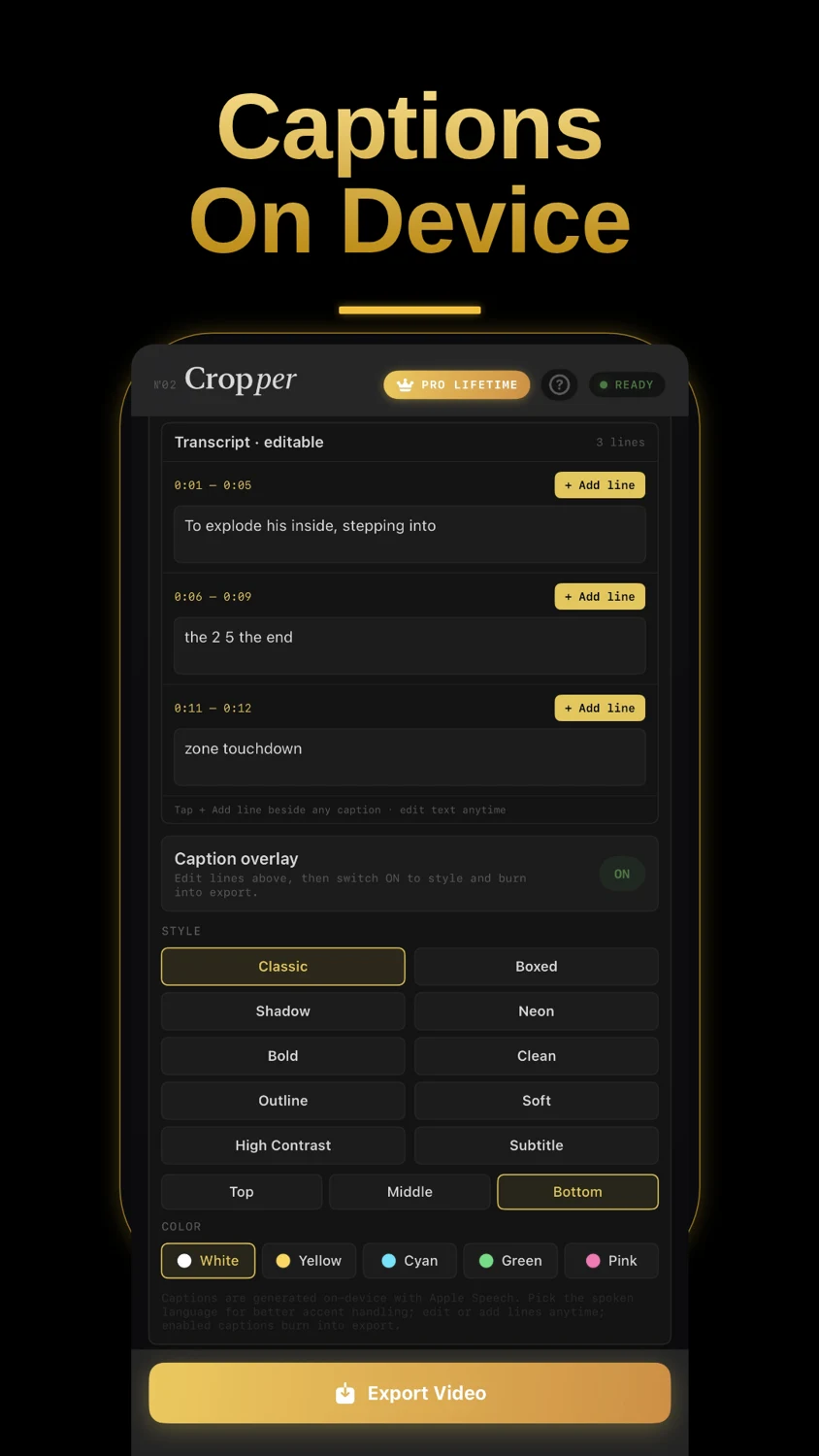
4 — Captions on device
Captions
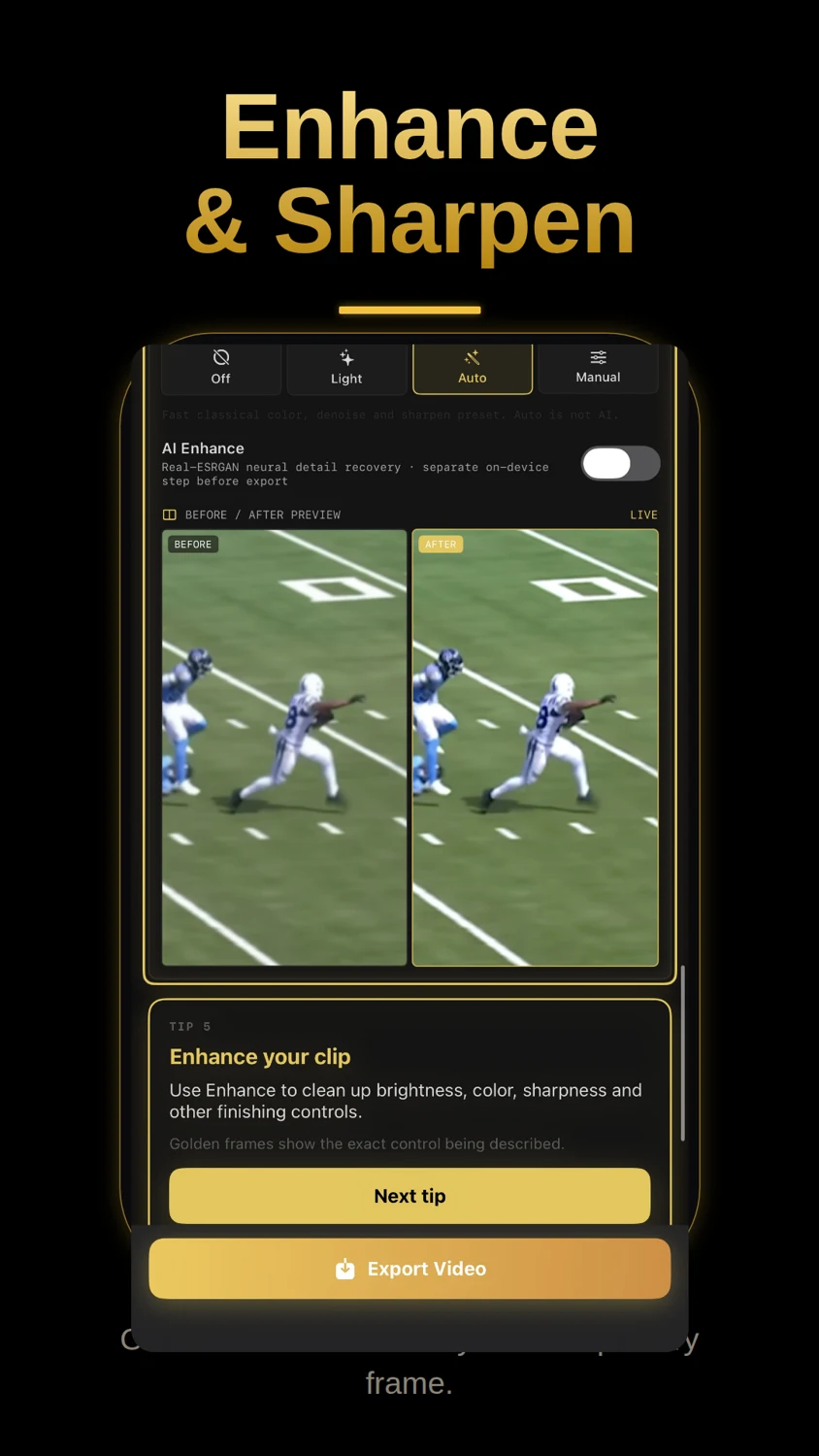
5 — Enhance and sharpen
Enhance
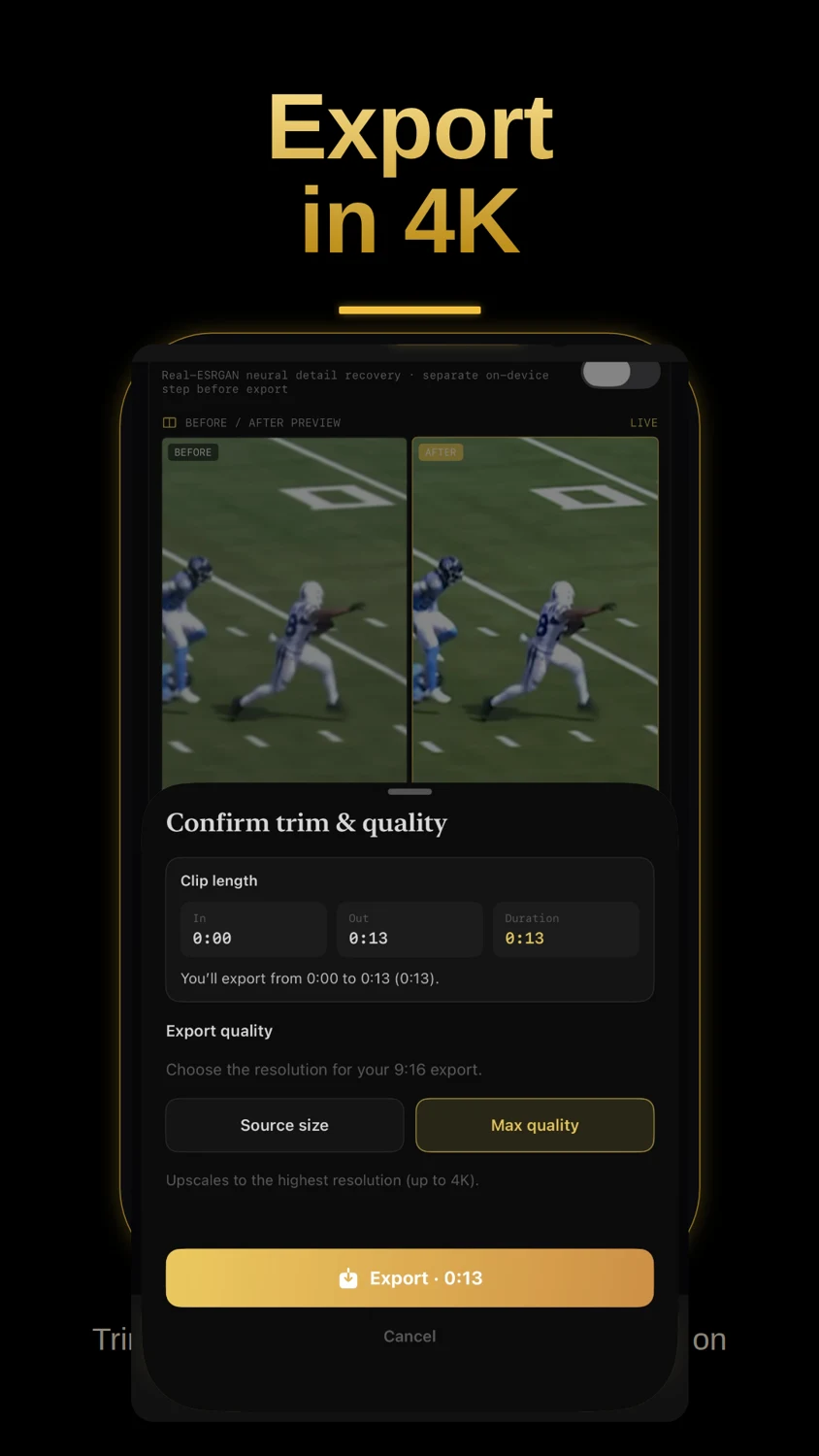
6 — Export in 4K
Export
4.8App Store Rating
4KMax Export
3Output Formats
0Timelines Needed
Reframe

01 — Reframe

Crop 16:9
to 9:16.

Drag to pull a bright vertical crop from any wide frame. Hand, keyframe, and auto-track modes — one gesture sets the path, Cropper smooths the rest.

Hand · Keyframe · Track
Output

02 — Output

Choose your
output.

Export 9:16 vertical, 1:1 square, or 16:9 widescreen from the same source clip. Import from Library, Files, iCloud Drive, Google Drive, Dropbox, or OneDrive.

9:16 · 1:1 · 16:9
Enhance

03 — Enhance

Enhance
& Sharpen.

Real-ESRGAN neural detail recovery runs on-device before export. Live before/after preview. Off, Light, Auto, and Manual presets — every frame cleaned up.

Real-ESRGAN · On-Device AI
Export

04 — Export

Export
in 4K.

Trim, watermark, and export up to 4K — all on device. Source size or max quality upscale. One tap. No render queue. Ready for Reels, Shorts, and TikTok.

Up to 4K · No Upload · Fast
Captions

05 — Captions

Captions
on Device.

Auto-captions generated with Apple Speech — no upload, no cloud. Edit lines, pick your style and color, burn into export. English, Italiano, Español, 中文.

Offline · Editable · Burned-in
Podcasts

06 — Podcasts

Podcasts,
your way.

Tap a speaker to export one full-screen, or both stacked in dual mode. Single view fills the frame. Dual view splits two subjects into a clean vertical layout.

Single · Dual · Tap to switch

The crop follows
your hand.

01
Load a video

Pick any 16:9 clip from Photos, Files, iCloud, or Drive. Cropper detects orientation and prepares the output frame.

02
Press play & drag

Tap Hand mode, hit play, and drag your finger to follow the action. Each touch becomes a keyframe automatically.

03
Smooth path

Cropper interpolates a cinematic path between your touches — no jitter, no manual easing curves needed.

04
Export

One tap exports a high-quality vertical MP4, up to 4K, ready for Reels, Shorts, TikTok, or stories.

Why Cropper

The others make you
open a timeline.

Most video editors were built for desktops, then shrunk to fit a phone. Cropper was built differently — press play, drag to follow the action, done.

Cropper Free Timeline
mobile editors
Platform
crop tools
Desktop
software
AI cloud
editors
Gesture reframing Drag to follow action, no timeline required
On-device AI upscaling Real-ESRGAN — no upload, runs on your phone Desktop only Cloud upload
Offline captions English, Italian, Spanish, Chinese — no server Cloud-based Add-on cost Cloud-based
Podcast speaker isolation Auto-frame speakers; single or dual stacked
4K export on mobile Full-resolution, one tap — no render queue Up to 1080p Varies
Zero cloud dependency Your footage never leaves your device Optional sync
Free to start No card, no watermark on free exports Watermarked

Based on publicly available features as of 2025. Feature availability may vary by platform version and subscription tier.

Your finger
is the edit.

Free to use. 3 exports/month, no card required. Pro Lifetime unlock available.